
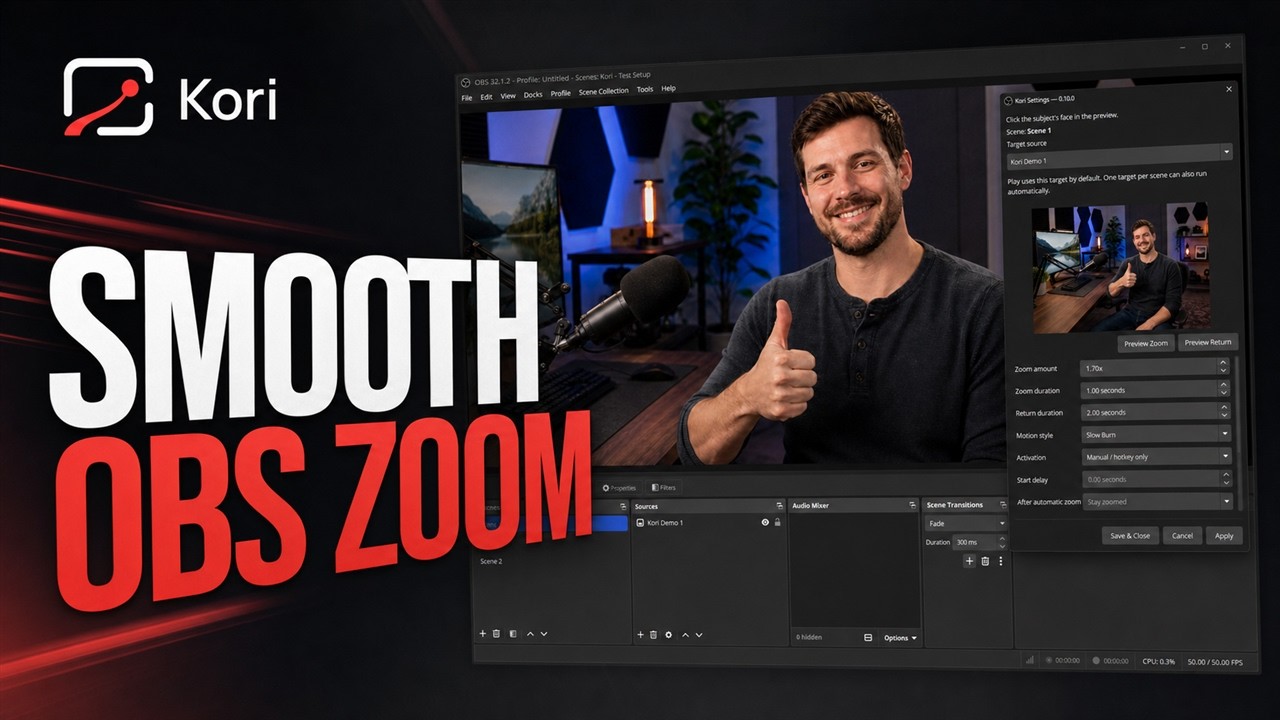
Pick the subject
Click a face or point of interest in Kori’s visual preview.
Kori gives OBS creators smooth, cinematic camera movement without duplicate scenes, complicated transitions or keyframes.
A camera tool, not a technical exercise
How it works
Set it once, then trigger it with a hotkey or automatically when your scene becomes active.
Click a face or point of interest in Kori’s visual preview.
Select a ready-made camera style or fine-tune the timing yourself.
Use a hotkey, scene activation or the preview controls to run it.
Camera styles
Great defaults get you moving immediately. Fine-tune only when the shot needs it.
Balanced movement for interviews, podcasts and presentations.
A gradual push that quietly builds tension and draws the audience closer.
Restrained, polished movement that keeps the shot feeling natural.
A fast close-up with a small settle for reactions and emphasis.
A deliberately long, increasingly uncomfortable push for comic timing.
Built for real productions
Kori works with the scenes you already have. Zoom a camera, an image, a video or the whole composition—manually or automatically.
See automatic scene zoom ↗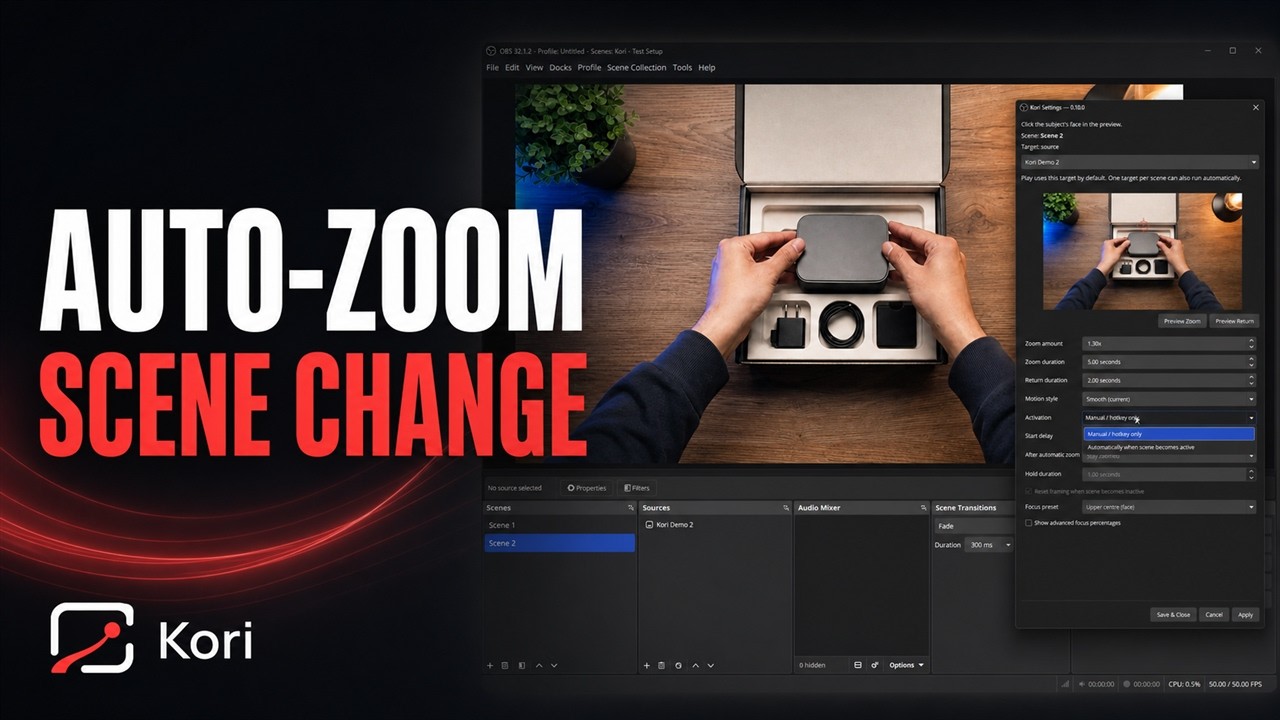
Frequently asked questions
Everything you need to know before adding Kori to your OBS setup.
Kori creates smooth, focused camera-style zooms inside OBS Studio. Choose the shot, pick a camera style and trigger the movement without building duplicate scenes or keyframes.
No. Kori works with the scenes you already have and can animate an individual source or the entire composition.
Yes. A movement can run when a scene becomes active, from an OBS hotkey or from Kori’s preview controls.
Kori can move cameras, images, videos, individual scene items and complete scenes.
The current Windows beta supports OBS Studio 31.1 or newer. Support for additional platforms is planned after the core Windows release is proven.
Yes. Kori is currently free and open source under the GPL-2.0-or-later licence.
No. Kori is an independent plugin developed by ASK Q Limited and is not affiliated with or endorsed by the OBS Project.
Public beta for Windows
Download Kori, try it in your OBS setup and help shape a simpler way to direct live video.